Your tournaments
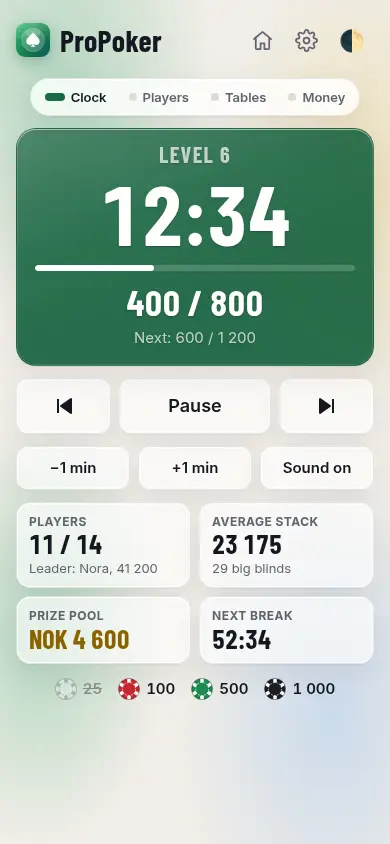
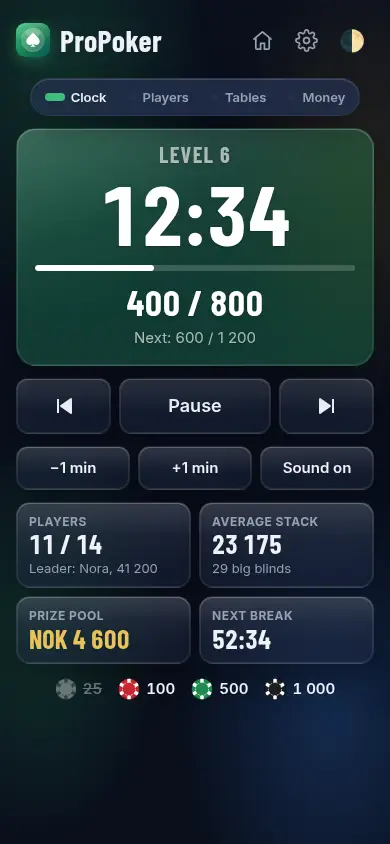
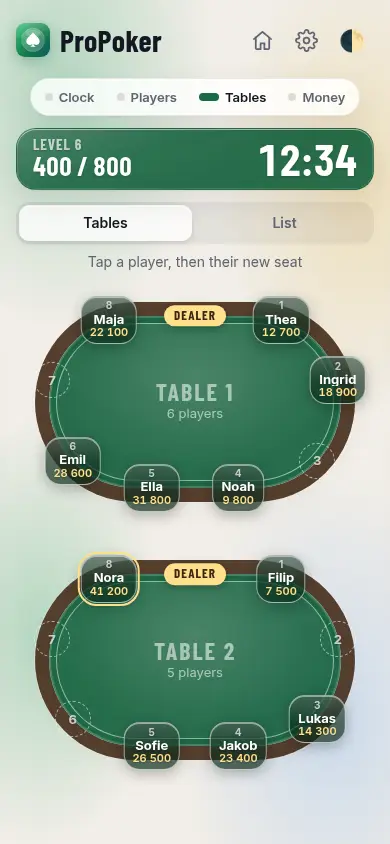
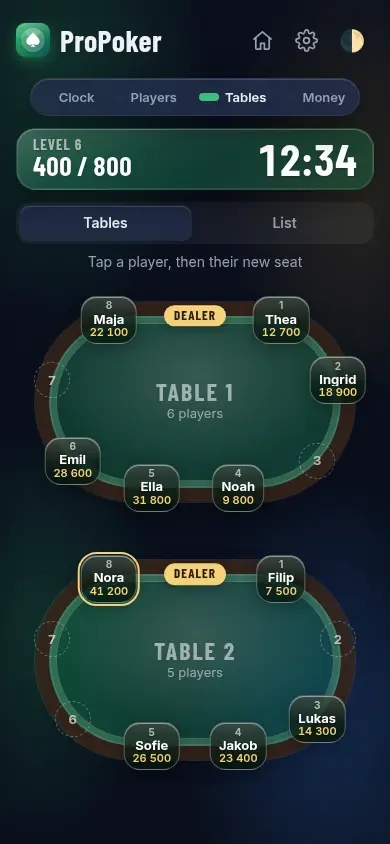
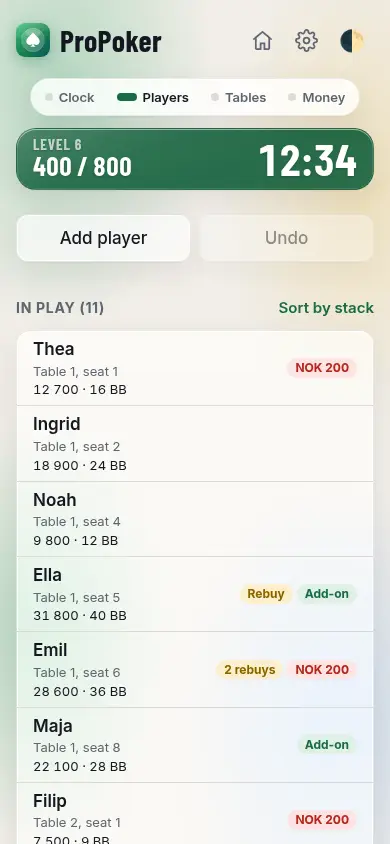
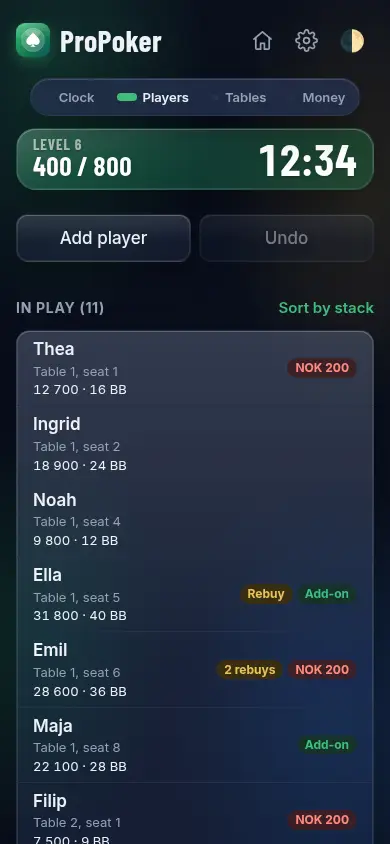
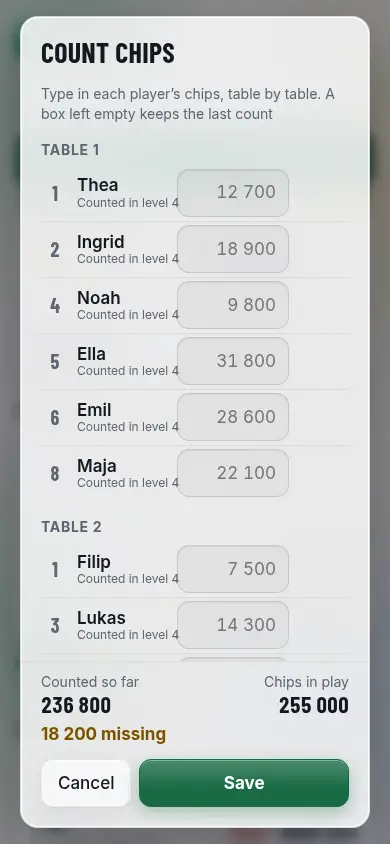
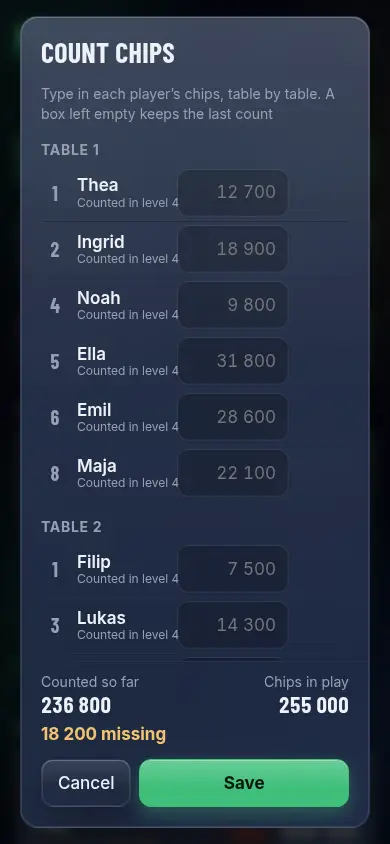
ProPoker runs your poker tournament from one phone or tablet: a big blind clock with sounds, players and knockouts, rebuys and add-ons, seating and table balancing on tables drawn from above, chip counts at the breaks, who has paid, the prize pool and payouts, and at the end who sends what to whom.
- 100% free
- No ads
- No tracking
- No account
- Works offline
What it does

Install the app
Quick to open, works without signal.
New tournament
In play
Out
Prizes
Payments
Full screen, with sounds. Move the mouse to see the buttons again
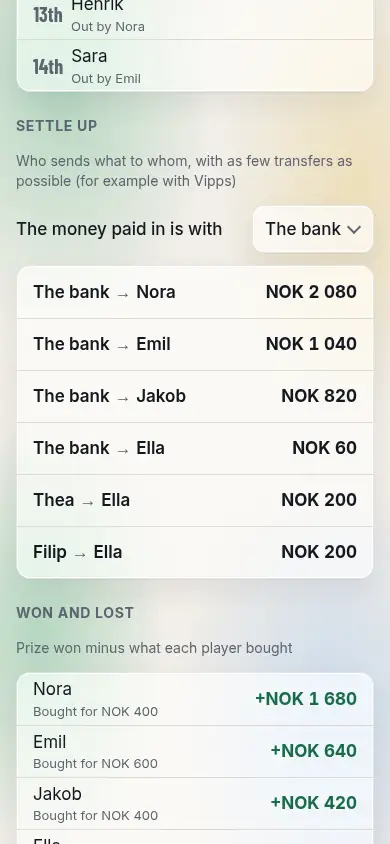
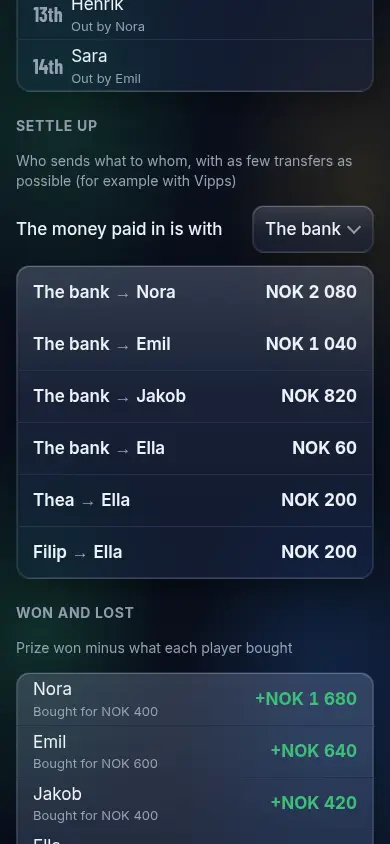
Settle up
Who sends what to whom, with as few transfers as possible (for example with Vipps)
The money paid in is with
Won and lost
Prize won minus what each player bought